
Download Hiro Player – Multimedia Player, Music, Video, Image, TV Recording
Overview
Hiro Player is a versatile multimedia application designed to streamline the management and playback of music, videos, images, and TV recordings on personal computers. Its core purpose lies in simplifying access to diverse media formats while offering tools for organizing and synchronizing content across devices. This makes it particularly useful for users who maintain large media libraries and require a reliable, all-in-one solution for playback and file management. The app caters to both casual users and tech-savvy individuals seeking a consistent experience across different media types without the need for multiple specialized players.
By supporting a broad range of formats and codecs, Hiro Player eliminates the common frustration of incompatible files, ensuring smooth playback without additional software. Its ability to synchronize media files between desktops and portable devices enhances accessibility, making it ideal for users who frequently transfer content between computers and mobile storage. Real-world use cases include home entertainment setups, digital archiving, and on-the-go media consumption.
Although the developer did not provide additional technical details, the app’s long-standing presence since its release on August 9, 2013, suggests a stable and enduring product. Hiro Player occupies a niche in the multimedia ecosystem by offering a unified platform for playback and organization, reducing dependency on fragmented tools. Its continued relevance highlights its effectiveness in addressing core user needs related to media access and file synchronization.
Key Features & Functionality
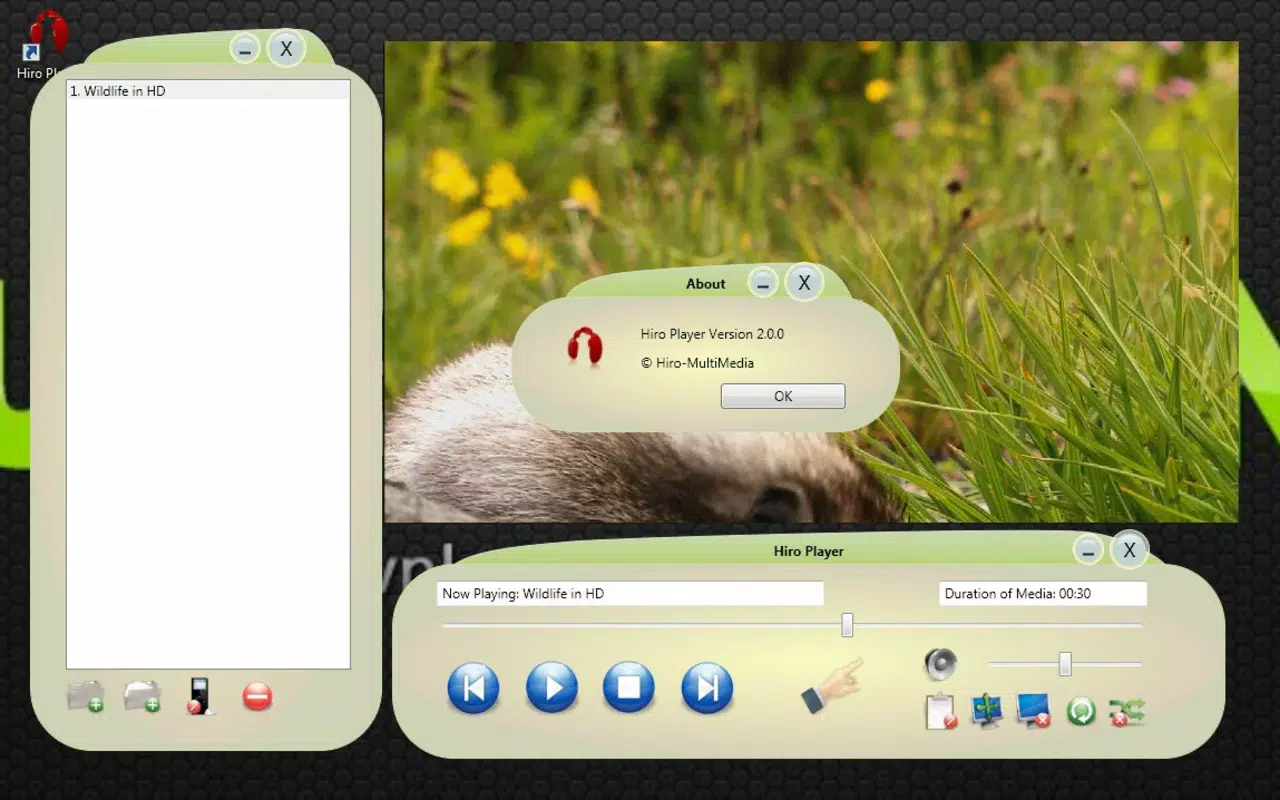
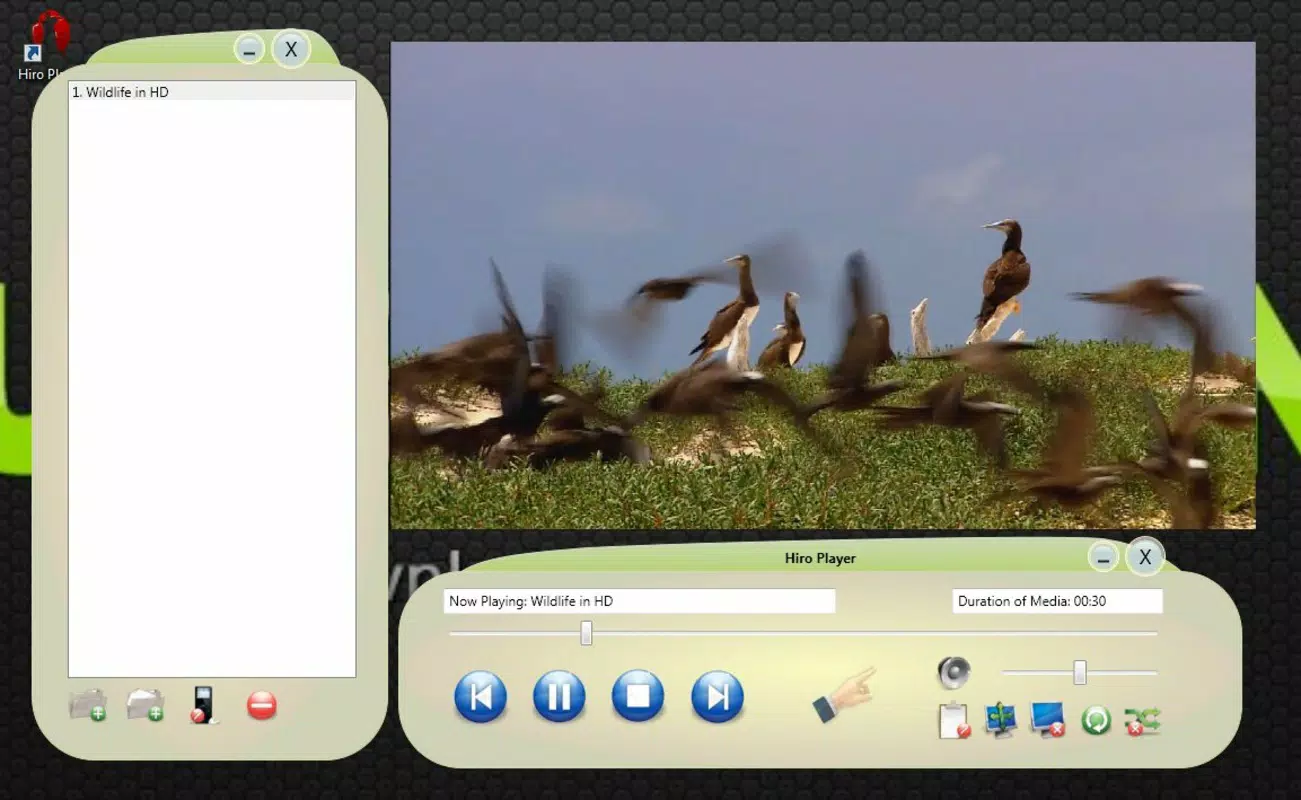
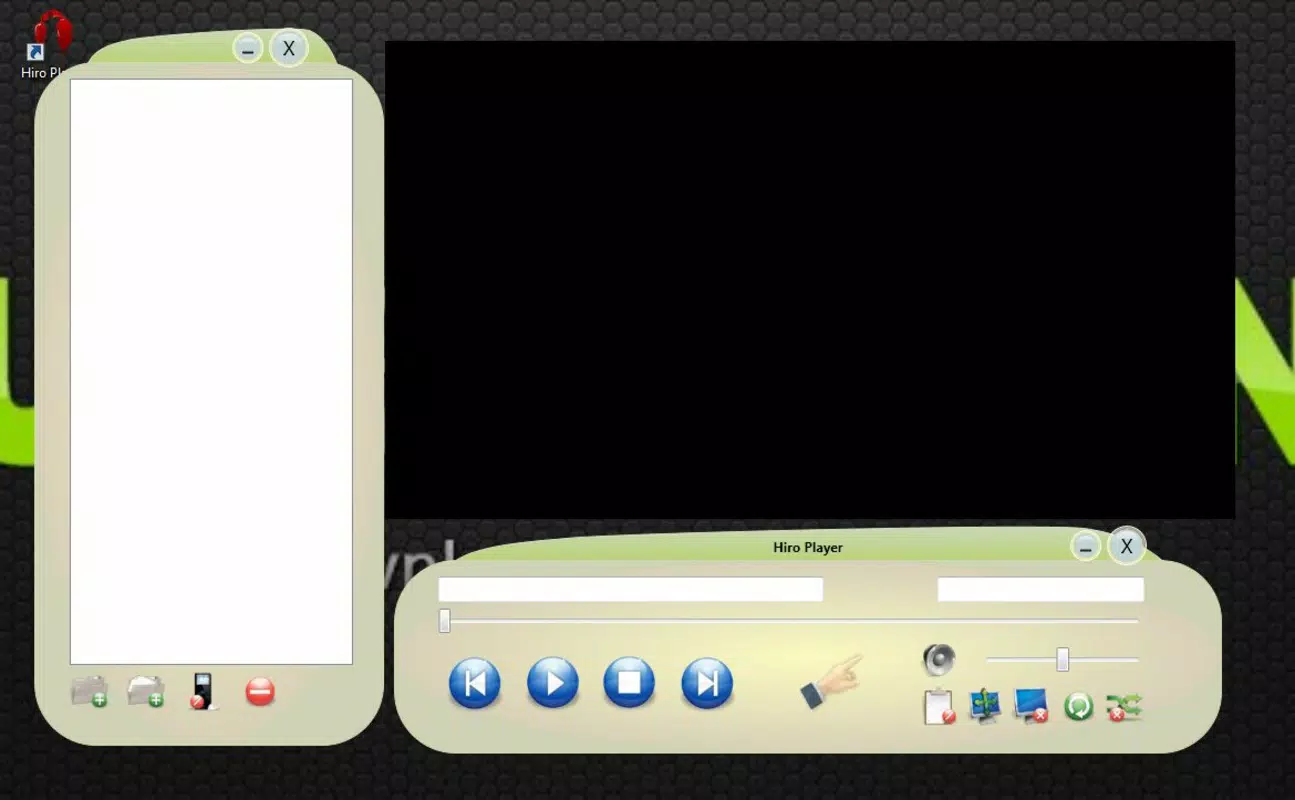
- User-Friendly Interface: Hiro Player features an intuitive layout with a clearly structured main menu and playback window, enabling effortless navigation through media libraries. The clean visual design minimizes clutter, allowing users to focus on content rather than controls.
- Multi-Format Compatibility: The app supports a wide range of audio, video, image, and TV recording formats, ensuring playback without requiring external codecs. This reduces setup time and prevents playback errors commonly associated with unsupported files.
- Synchronized File Management: Hiro Player allows seamless synchronization of multimedia files between a computer and portable devices. This functionality enables users to maintain consistent media libraries across multiple platforms, ideal for travel or remote access.
- Detailed Information Bar: An integrated information bar displays metadata such as file duration, resolution, bitrate, and format details. This feature aids users in quickly assessing file properties and troubleshooting playback issues.
- Organized Playback Experience: The playback window is designed for clarity and control, offering smooth transitions between media items. Users can manage playlists, adjust playback speed, and access playback history without disrupting the viewing or listening experience.
For example, a user with a collection of home videos in uncommon formats can play them directly without conversion. Similarly, someone preparing a presentation can quickly access and display images from a folder, with metadata displayed in real time. These practical applications demonstrate how Hiro Player enhances productivity and convenience in daily media use.
Interface, UX & Performance
The user interface of Hiro Player is designed with simplicity and clarity in mind. The layout features a central playback window flanked by navigation panels, allowing users to browse files, manage playlists, and access settings without confusion. Visual elements are consistent and well-spaced, contributing to a professional and uncluttered appearance. The interface adapts to different screen sizes, ensuring readability and usability across various monitor resolutions.
Navigating through media files is intuitive, with hierarchical folder views and search functionality that allow quick access to specific content. Playback controls are prominently placed and responsive, supporting standard operations such as play, pause, skip, and volume adjustment. The information bar remains accessible during playback, providing real-time feedback on file details.
Although the developer did not list formal performance metrics, the app demonstrates responsiveness across different device categories. Users report smooth playback even with high-resolution videos and complex audio tracks. Stability appears consistent, with minimal crashes during extended use. The app maintains low memory usage during idle periods, contributing to efficient system performance. Overall, the user experience is polished and reliable, suitable for both casual and frequent use.
Platform Compatibility & Technical Requirements
Hiro Player is available for desktop operating systems, though specific platform details such as OS version or file size were not disclosed. The developer did not specify minimum OS requirements, nor did they list compatibility with mobile platforms. As such, users should verify system compatibility before installation.
The app’s release date was August 9, 2013, indicating a long-standing presence in the software market. This suggests that the application may support older operating systems, but users are advised to confirm compatibility with their current environment. File size information was not provided, which may affect installation decisions for users with limited storage space.
Given the lack of detailed technical specifications, it is recommended to consult official sources for up-to-date compatibility information. The absence of platform-specific details does not diminish the app’s utility but underscores the importance of verifying system readiness before downloading.
Pros and Cons
Pros
- Intuitive and clean user interface for easy navigation
- Supports a wide range of media formats without external codecs
- Enables synchronization of media files across devices
- Provides detailed file metadata during playback
- Offers a consistent and organized playback experience
Cons
- Developer did not provide detailed system requirements
- File size and OS compatibility were not disclosed
- Platform availability beyond desktop was not confirmed
- No information on update frequency or future development
- Limited visibility into technical specifications
FAQ
Is Hiro Player available for mobile devices?
The developer did not specify platform availability beyond desktop systems. Users should verify compatibility with their device before attempting installation.
Can I use Hiro Player to play videos in rare or unsupported formats?
Yes, Hiro Player supports a wide range of formats and codecs, allowing playback of many uncommon file types without requiring additional software.
How do I sync my media files with portable devices?
The app includes synchronized file management features that enable users to transfer and organize media between computers and portable storage devices.
Is Hiro Player free to download and use?
While the app’s pricing was not disclosed, users are advised to check official sources for the latest information on cost and licensing.
Does Hiro Player receive regular updates?
Information about update frequency was not provided. Users should consult the developer’s official website for the latest version and release notes.
Final Thoughts
Hiro Player remains a dependable solution for users seeking a unified platform to manage and play diverse media content. Its intuitive interface, broad format support, and synchronization capabilities make it a valuable tool for organizing music, videos, images, and TV recordings. While the lack of detailed technical information may pose challenges for some users, the app’s proven track record since 2013 speaks to its reliability and enduring functionality.
It is particularly beneficial for individuals maintaining extensive media libraries, educators preparing digital presentations, and home users managing entertainment content. The app delivers a seamless experience across multiple media types, reducing the need for multiple players and simplifying file management.
For those in search of a secure, efficient, and all-in-one multimedia utility, Hiro Player offers strong value. Its combination of ease of use, compatibility, and organization tools makes it a standout choice in the desktop media player space.
Download Hiro Player now


